SMART_KEYBOARD
Start from API_LEVEL
4.0. Please refer to API_LEVEL.
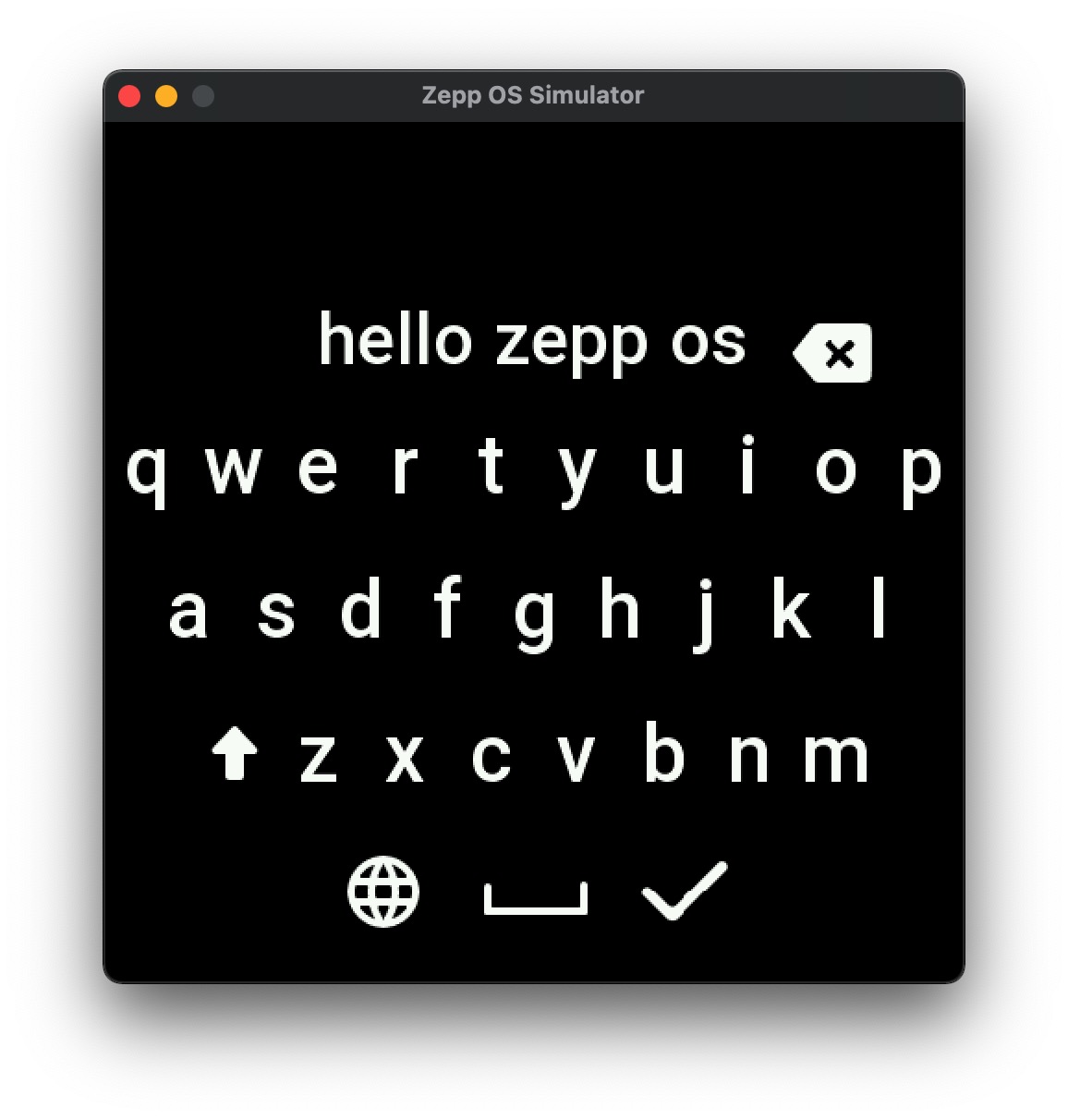
Create a system-level input keyboard that supports multiple input modes.
Create Keyboard Widget
import { createKeyboard, inputType } from '@zos/ui'

const keyboard = createKeyboard({
  // Required parameters
  inputType: inputType.NUM,
  onComplete: (keyboardWidget, result) => {
    /* Handle input completion */
  },
  onCancel: (keyboardWidget, result) => {
    /* Handle input cancellation */
  },

  // Optional parameters
  text: 'Initial text'
})
Type Definitions
Param: object
| Property | Description | Required | Type | Version |
|---|---|---|---|---|
| inputType | Input type, refer to inputType enum | YES | number | 4.0 |
| onComplete | Callback when user confirms input | YES | function | 4.0 |
| onCancel | Callback when user swipes right or presses back button | YES | function | 4.0 |
| text | Initial text for editing | NO | string | 4.0 |
| onClick | Click event callback (Not available yet) | NO | function | 4.0 |
| selection | Quick reply options (Not available yet) | NO | array | 4.0 |
inputType Enum
| Value | Description |
|---|---|
| inputType.EMOJI | EMOJI keyboard |
| inputType.NUM | Number keyboard |
| inputType.CHAR | Character keyboard |
| inputType.VOICE | Voice input |
| inputType.SELECT | Quick reply selection |
Methods
deleteKeyboard()
Exit and destroy the current keyboard input interface
import { deleteKeyboard } from '@zos/ui'

deleteKeyboard()
Code Example
import { createKeyboard, inputType, deleteKeyboard } from '@zos/ui'

Page({
  onInit() {
    this.createKeyboard()
  },

  createKeyboard() {
    createKeyboard({
      inputType: inputType.NUM,
      onComplete: (_, result) => {
        console.log('Input content:', result.data)
        this.destroyKeyboard()
      },
      onCancel: (_, result) => {
        console.log('Input cancelled')
        this.destroyKeyboard()
      },
      text: '100' // Initial text
    })
  },

  destroyKeyboard() {
    deleteKeyboard()
    // Execute subsequent operations like page navigation...
  }
})