CYCLE_IMAGE_TEXT_LIST
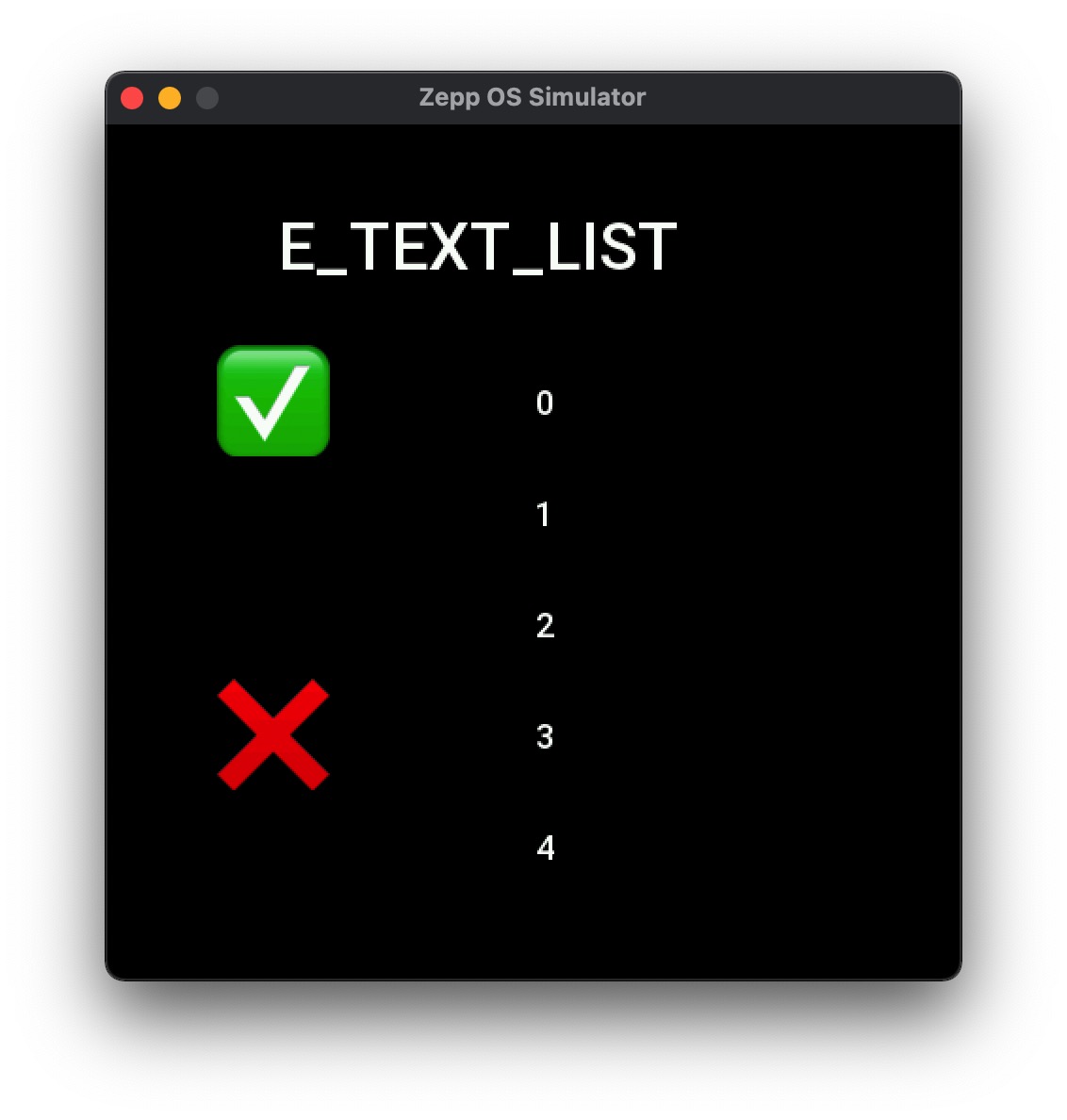
Create a list that can be scrolled in a loop, filled with images and text.
caution
At this stage, there is a problem with the image path parsing of this widget, it cannot display the image correctly, only text related properties can be set.
Create UI widget
const cycleImageTextList = hmUI.createWidget(hmUI.widget.CYCLE_IMAGE_TEXT_LIST, Param)
Type
Param: object
| Properties | Description | Required | Type |
|---|---|---|---|
| x | The x-coordinate of widgets. | YES | number |
| y | The y-coordinate of widgets. | YES | number |
| w | The width of widgets. | YES | number |
| h | The height of widgets. | YES | number |
| item_image_x | The x-coordinate of Image.(Relative coordinate) | YES | number |
| item_image_y | The y-coordinate of Image.(Relative coordinate) | YES | number |
| item_text_x | The x-coordinate of text.(Relative coordinate) | YES | number |
| item_text_y | The y-coordinate of text.(Relative coordinate) | YES | number |
| item_text_size | Font Size. | YES | number |
| item_text_color | Font color. | YES | number |
| item_bg_color | Background color. | YES | number |
| item_height | The height of item. | YES | number |
| data_array | Data arrays. | YES | Array<Data> |
| data_size | The length of the array. | YES | number |
| item_text_align_h | Text horizontal orientation.Unfilled default horizontal centering. | NO | number |
| item_text_align_v | Vertical orientation of text.Unfilled defaults to vertical centering. | NO | number |
| item_text_height | Actual display area of text.Default to item_height if not filled. | NO | number |
| item_text_width | The actual text display area.Default to the widget display width if not filled. | NO | number |
| item_click_func | Callback for item click. | NO | ItemClickFunc |
Data: object
| Properties | Description | Required | Type |
|---|---|---|---|
| src | The path of image. | NO | string |
| text | The content of text. | YES | string |
ItemClickFunc: function
(cycleList: CycleList, index: number) => void
| Properties | Type | Notes |
|---|---|---|
| cycleList | object | The instance of cycleList. |
| index | number | Clicked item index.Starting from 0. |
Set the properties of a single item text
caution
Setting the properties of a single item text is not stored by the widget and the changed values are not available via getProperty.
| Properties | Description | Required | Type |
|---|---|---|---|
| index | The index of item.Starting from 0. | YES | number |
| item_text_color | The color of the text. | NO | number |
| item_text_size | The size of the text. | NO | number |
const widget = ...
widget.setProperty(hmUI.prop.ITEM_MORE,{
  index:0,
  item_text_color:0x2f4988,
  item_text_size:50
})
Refresh ITEM
- This is set for the property
ITEM_MORE. After setting the property withITEM_MORE, you can refreshITEMif you want to revert to its original state.
widget.setProperty(hmUI.prop.ITEM_REFRESH, 0) // 0 is the index of item , starting from 0.
Set the top item index of the list
- Set the index value of the top
itemof thelistwith theLIST_TOPproperty to display thelistat the specified position of theitem.
| Name | Description | Required | Type |
|---|---|---|---|
| index | The index of item.Starting from 0. | YES | number |
Code example
const dataArray = [
  { text: '0' },
  { text: '1' },
  { text: '2' },
  { text: '3' },
  { text: '4' },
  { text: '5' },
  { text: '6' },
  { text: '7' },
  { text: '8' },
  { text: '9' }
]

cycleImageTextList = hmUI.createWidget(hmUI.widget.CYCLE_IMAGE_TEXT_LIST, {
  x: 0,
  y: 0,
  w: 480,
  h: 300,
  data_array: dataArray,
  data_size: 10,
  item_height: 50,
  item_text_color: 0xffffff,
  item_text_size: 18
})

// Get the index at the top of the scrolling list
result = cycleImageTextList.getProperty(hmUI.prop.MORE, {})
console.log(result.index)

// Set the index at the top of the scrolling list
cycleImageTextList.setProperty(hmUI.prop.LIST_TOP, { index: 3 })