IMG_ANIM
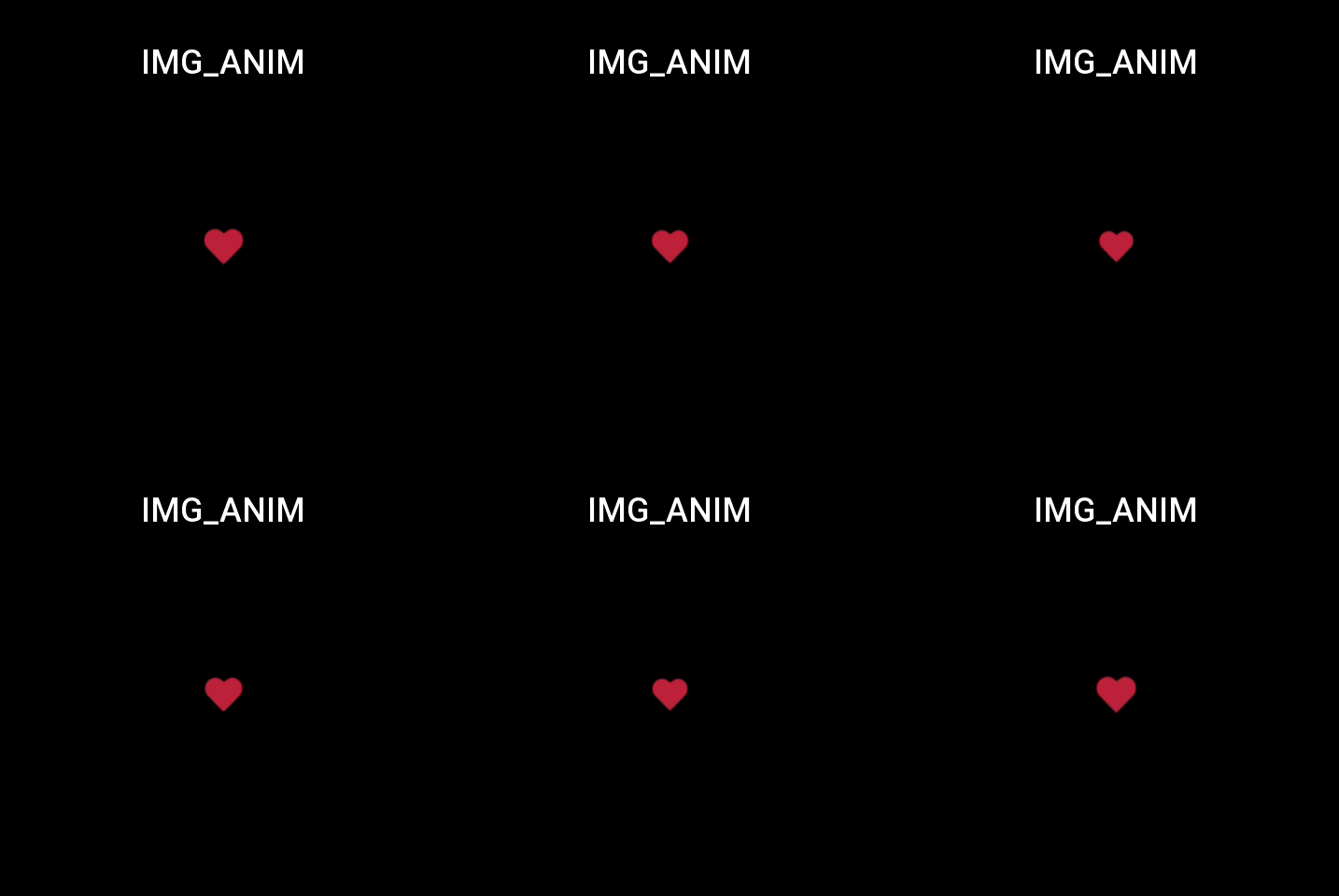
Play the pre-given image at the set frame rate to create an animation effect.
Create UI widget
const imgAnim = hmUI.createWidget(hmUI.widget.IMG_ANIM, Param)
Type
Param: object
| Properties | Description | Required | Type |
|---|---|---|---|
| x | The x-coordinate of animation. | YES | number |
| y | The y-coordinate of animation. | YES | number |
| anim_path | The path to the image for animation. | YES | string |
| anim_prefix | The name to the image for animation. | YES | string |
| anim_ext | Image extensions. | YES | string |
| anim_fps | Number of frames of animation. | YES | number |
| repeat_count | Number of animation repetitions, can be set 0: infinite repetition, 1: single repetition. | YES | number |
| anim_repeat | Whether to repeat the playback; this value is true if repeat_count is 0. | NO | boolean |
| anim_size | The number of images. | YES | number |
| anim_status | The status of animation; Reference hmUI.anim_status | YES | number |
| anim_complete_call | This function is callback when the animation is executed successfully. repeat_count is invalid if 0. Parameters anim is an instance to create the animation. | NO | function |
Supported properties hmUI.anim_status
Please pay attention to the animation order of the current settings when setting animation properties, the widget has been protected internally.
| Value | Description |
|---|---|
| hmUI.anim_status.START | Start animation; only pause stop is allowed to be called after starting the animation. |
| hmUI.anim_status.PAUSE | Pause animation; can only be called after starting the animation and resuming it. |
| hmUI.anim_status.RESUME | Resume animation; can only be called after pausing the animation. |
| hmUI.anim_status.STOP | Stop animation; can only be called after starting the animation and resuming it. |
Get animation status Return type boolean
| Value | Description |
|---|---|
| hmUI.prop.ANIM_IS_RUNINNG | Is the animation running. |
| hmUI.prop.ANIM_IS_PAUSE | Whether the animation is paused. |
| hmUI.prop.ANIM_IS_STOP | Whether the animation is stopped. |
Code example
tip
Please refer to Design Resources for the image resources in the code example
// Resource Storage Directory
.
└── assets
        └── gtr-3
                └── anim // anim_path
                        ├── animation_0.png
                        ├── animation_1.png
                        ├── animation_2.png
                        ├── animation_3.png
                        ├── animation_4.png
                        └── animation_5.png
Page({
  build() {
    const imgAnimation = hmUI.createWidget(hmUI.widget.IMG_ANIM, {
      anim_path: 'anim',
      anim_prefix: 'animation',
      anim_ext: 'png',
      anim_fps: 60,
      anim_size: 36,
      repeat_count: 1,
      anim_status: 3,
      x: 208,
      y: 230,
      anim_complete_call: () => {
        console.log('animation complete')
      }
    })

    imgAnimation.setProperty(hmUI.prop.ANIM_STATUS, hmUI.anim_status.START)
    imgAnimation.addEventListener(hmUI.event.CLICK_DOWN, () => {
      const isRunning = imgAnimation.getProperty(hmUI.prop.ANIM_IS_RUNINNG)

      if (!isRunning) {
        imgAnimation.setProperty(hmUI.prop.ANIM_STATUS, hmUI.anim_status.START)
      }
    })
  }
})