CYCLE_LIST
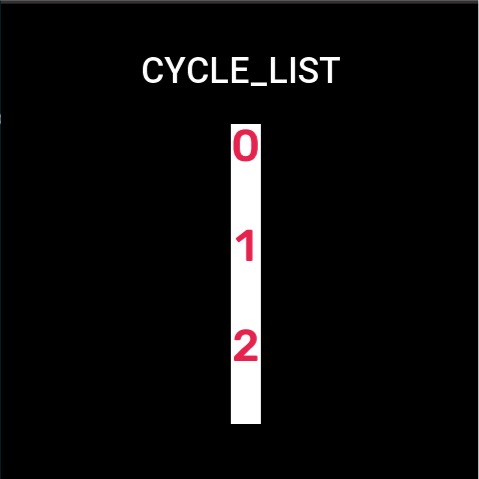
Create a list that scrolls in a loop, which can be populated with images.
Create UI widget
const cycleList = hmUI.createWidget(hmUI.widget.CYCLE_LIST, Param)
Type
Param: object
| Properties | Description | Required | Type |
|---|---|---|---|
| item_bg_color | Background color. | YES | number |
| item_height | The height of item. | YES | number |
| x | The x-coordinate of widgets. | YES | number |
| y | The y-coordinate of widgets. | YES | number |
| w | The width of widgets. | YES | number |
| h | The height of widgets. | YES | number |
| data_array | Data arrays. | YES | Array<Data> |
| data_size | The length of the array. | YES | number |
| item_click_func | Callback for item click. | NO | ItemClickFunc |
ItemClickFunc: function
(cycleList: CycleList, index: number) => void
| Properties | Type | Notes |
|---|---|---|
| cycleList | object | The instance of cycleList. |
| index | number | Clicked item index.Starting from 0. |
Code example
tip
Please refer to Design Resources for the image resources in the code example
Page({
  state: {
    pageName: 'CYCLE_LIST'
  },

  build() {
    const imgArray = ['number-img/0.png', 'number-img/1.png', 'number-img/2.png', 'number-img/3.png', 'number-img/4.png']
    const cycleList = hmUI.createWidget(hmUI.widget.CYCLE_LIST, {
      x: 230,
      y: 120,
      h: 300,
      w: 30,
      data_array: imgArray,
      data_size: 5,
      item_height: 100,
      item_click_func: (list, index) => {
        console.log(index)
      },
      item_bg_color: 0xffffff
    })
  }
})